Free AI Video Enhancer
Upscale your video to 2x resolution with AI — free, private, runs in your browser. No signup, no install required.
What AI Video Quality Enhancer Does for You
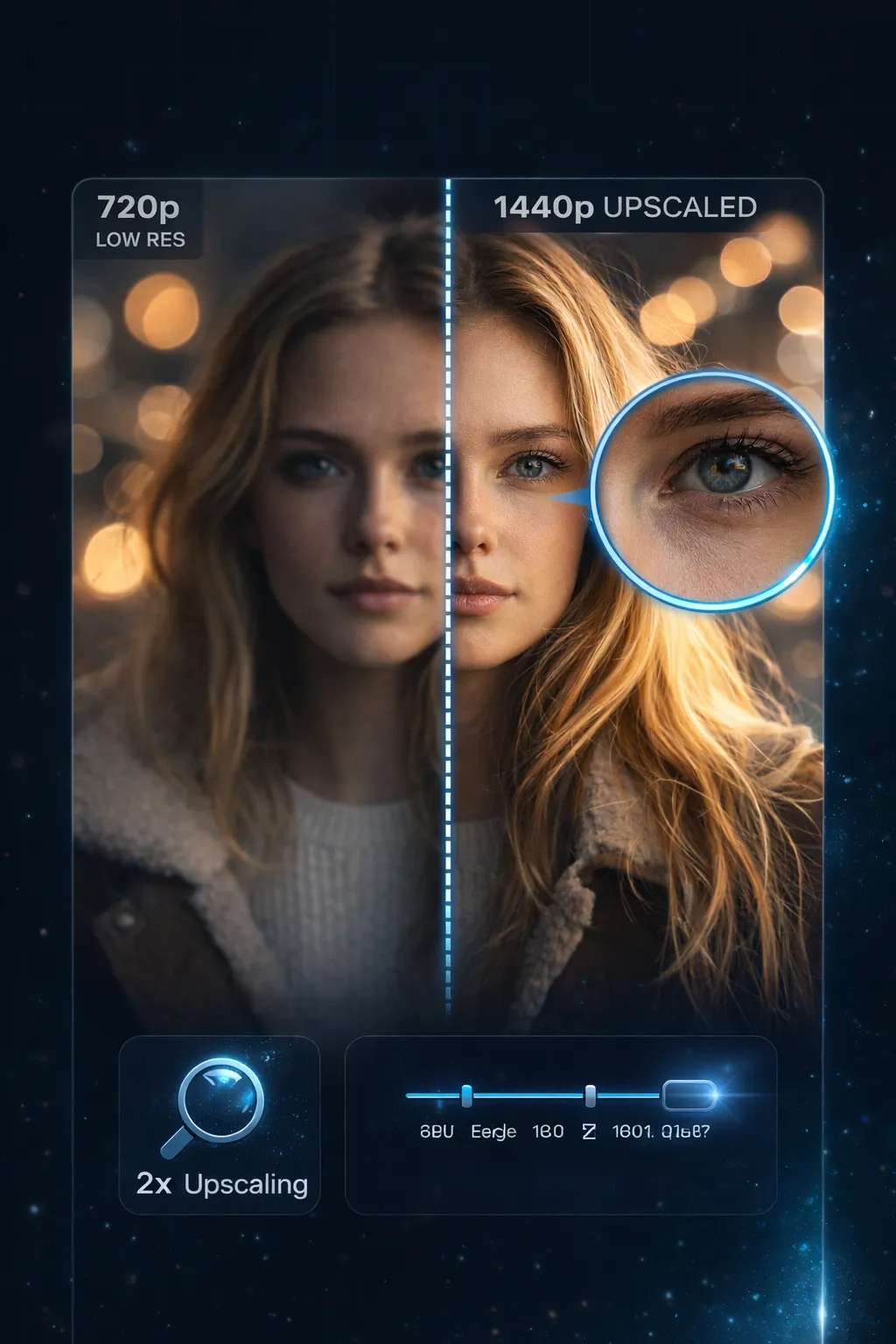
Got blurry or low-res footage? AI Video Quality Enhancer sharpens every frame — turning 720p into crisp 1440p, right in your browser.
- 2x Resolution UpscalingDrop a 720p clip, get 1440p back. AI Video Quality Enhancer rebuilds detail frame by frame — not stretched, actually sharper.
- Choose Your Enhancement LevelNeed it fast? Go with Fast mode. Want the sharpest result? Pick Best Quality. Three levels let you balance speed and detail however you like.
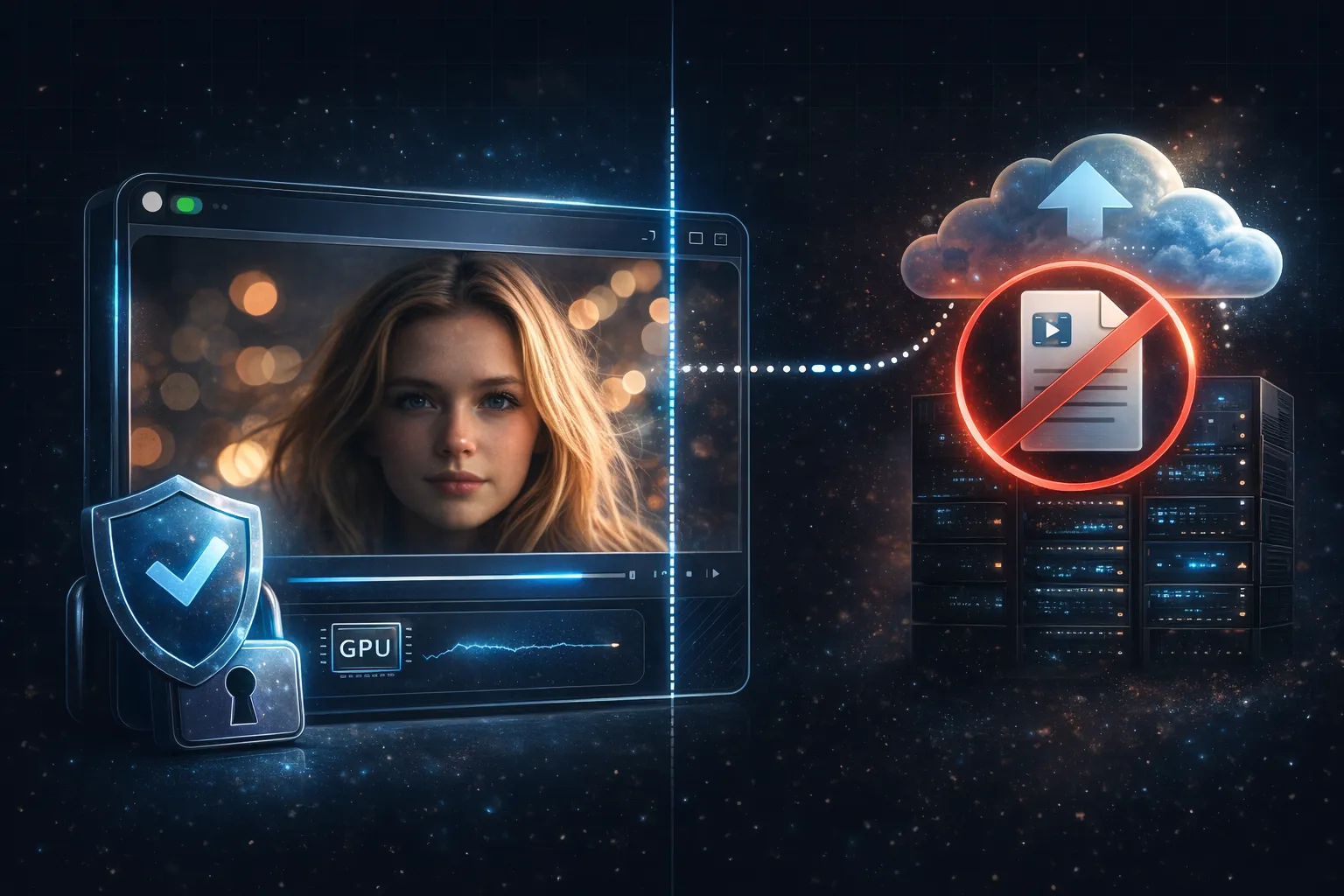
- Your Video Stays on Your MachineYour footage stays on your device. AI Video Quality Enhancer processes every frame on your own GPU — nothing gets uploaded, ever.
- No Account, No Install, No CostNo account, no download, no catch. Open the page, drop your video, enhance it. That's it.
Why Users Choose AI Video Quality Enhancer
You don't need expensive software or a powerful server. Just a browser with WebGPU support and your video file.
How AI Video Quality Enhancer Works — 3 Steps
From blurry video to enhanced output in minutes:
Upload Your Video
Drag a video file onto the page or click to browse. Supports MP4, WebM, MOV.
Choose Quality Level
Pick Fast for speed, Balanced for everyday use, or Best Quality for the sharpest result. One click, done.
Enhance & Download
Hit Enhance. The AI processes each frame in your browser and doubles the resolution. Download the exported video when done.
What Powers AI Video Quality Enhancer
Under the hood: the technology that makes AI-powered video enhancement possible right in your browser.
WebGPU Neural Network
AI Video Quality Enhancer taps your GPU directly through WebGPU — that means fast AI processing without uploading anything.
2x Resolution Output
Every frame gets upscaled to double the original resolution. A 1280×720 video becomes 2560×1440 — sharper details, cleaner edges.
Three Quality Levels
Fast mode for quick results, Balanced for everyday enhancement, Best Quality for maximum sharpness. Choose the level that fits your video and your time.
WebCodecs Pipeline
Your browser decodes and encodes video at hardware speed. No quality loss from re-compression, no extra software layer slowing things down.
Audio Preserved
Original audio passes through untouched. Your soundtrack, voiceover, or ambient sound stays exactly as it was — no re-encoding artifacts.
Streaming Architecture
Long video? No problem. AI Video Quality Enhancer processes frames in a streaming pipeline — your browser won't freeze or crash.
AI Video Quality Enhancer by the Numbers
Built for quality, privacy, and simplicity.
2x Resolution Upscale
Resolution Upscale
100% Browser-Based Processing
Browser-Based Processing
0 bytes Uploaded to Servers
Uploaded to Servers
Frequently Asked Questions
Quick answers about AI Video Quality Enhancer — what it does, how it works, and what it costs (nothing).
Enhance Your Video Now
Drop your video and let AI sharpen every frame. Free, private, no sign-up.